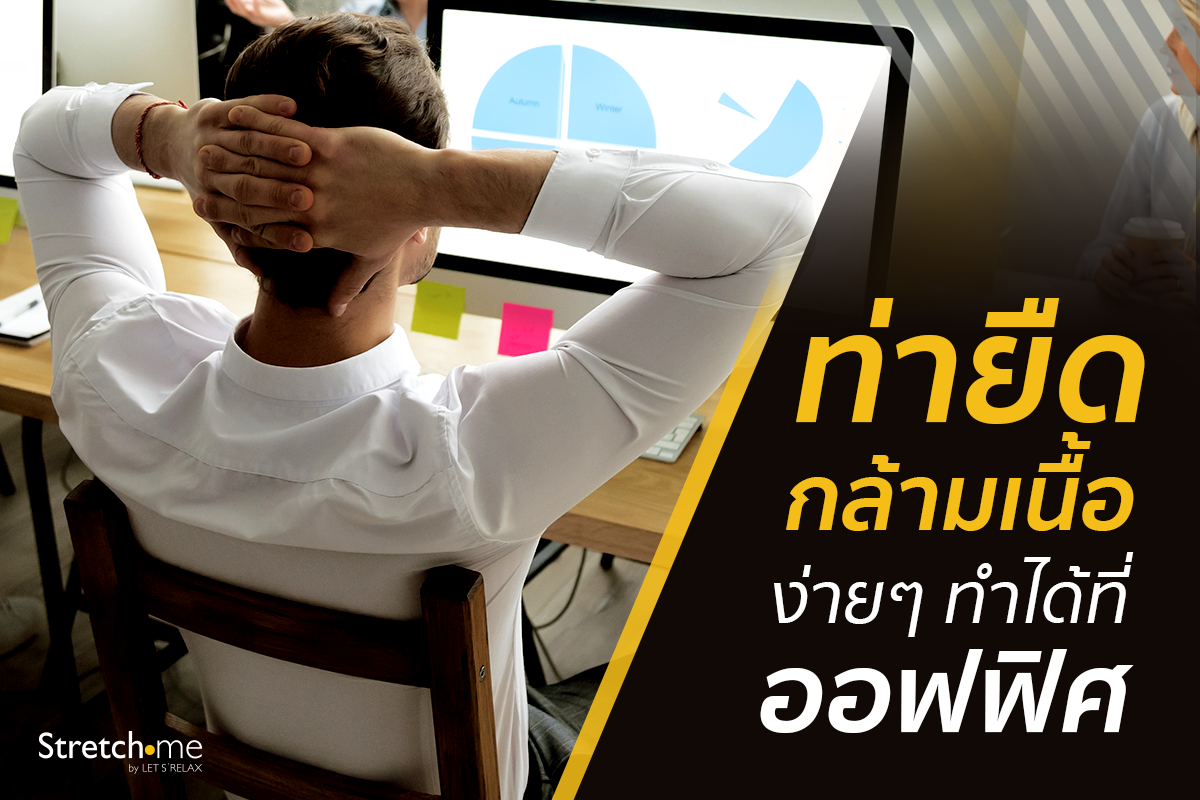
Move a Little, Stay Far from Office Syndrome
Aches and pains from sitting in front of a computer in the same posture for long periods can be relieved by simple movements and self-stretching at your desk. These easy stretches can help you feel better.
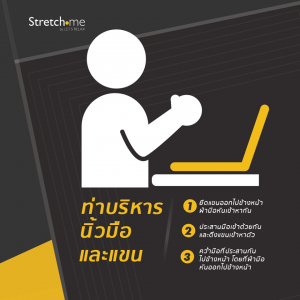
Finger and Arm Stretch
Step 1: Extend your arms forward with your palms facing each other and fingers spread wide.
Step 2: Interlace your fingers and gently pull your arms toward your body.
Step 3: Turn the interlaced hands downward, then slowly stretch them forward with the palms facing outward.
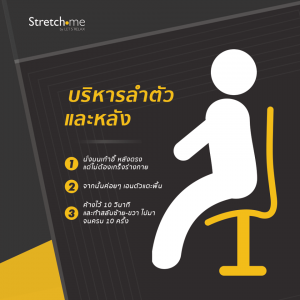
Torso and Back Stretch
Step 1: Sit upright on a chair with a straight back, staying relaxed.
Step 2: Slowly lean your body to the side, touching the floor with your left hand on the left side and your right hand on the right side.
Step 3: Hold for 10 seconds and alternate sides until completing 10 repetitions.
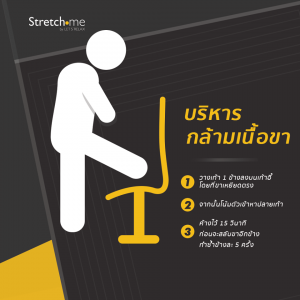
Leg Stretch
Step 1: Place one foot on a chair with the leg fully extended.
Step 2: Slowly lean your body forward toward your toes.
Step 3: Hold for 15 seconds, then switch to the other leg. Repeat 5 times on each side.
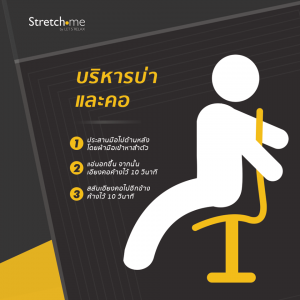
Shoulder and Neck Stretch
Step 1: Interlace your hands behind your back with palms facing your body.
Step 2: Lift your chest and tilt your head to one side, holding for 10 seconds.
Step 3: Switch sides and hold for another 10 seconds.
If self-stretching does not improve your symptoms, we recommend consulting a physical therapy specialist and receiving professional muscle stretching services at Stretch•me Clinic, a muscle stretching clinic near you.
=======================
📍For more information:
✅ WEBSITE – www.stretchme.studio
✅ Facebook Inbox – www.facebook.com/stretchmeclinic
✅ LINE@ – https://lin.ee/D0bIVB4
📞 Ginza Thonglor (Hotel Nikko Bangkok), 2nd Floor: 02 136 4227
📞 Central World, 2nd Floor: 095 372 9986
📞 Suan Plu: 02 679 4454
📞 Grande Centre Point Ploenchit, 30th Floor: 02 651 5223
📞 The Allez Nana, 3rd Floor: 064 219 9808
#stretchme
#stretchmeClinic
#stretchingstudio
#stretchsmart
#startstrong